Welcome to QueueMetrics
Asterisk™ Call Center Monitoring Software
Measure, control and improve all aspects of your call center.
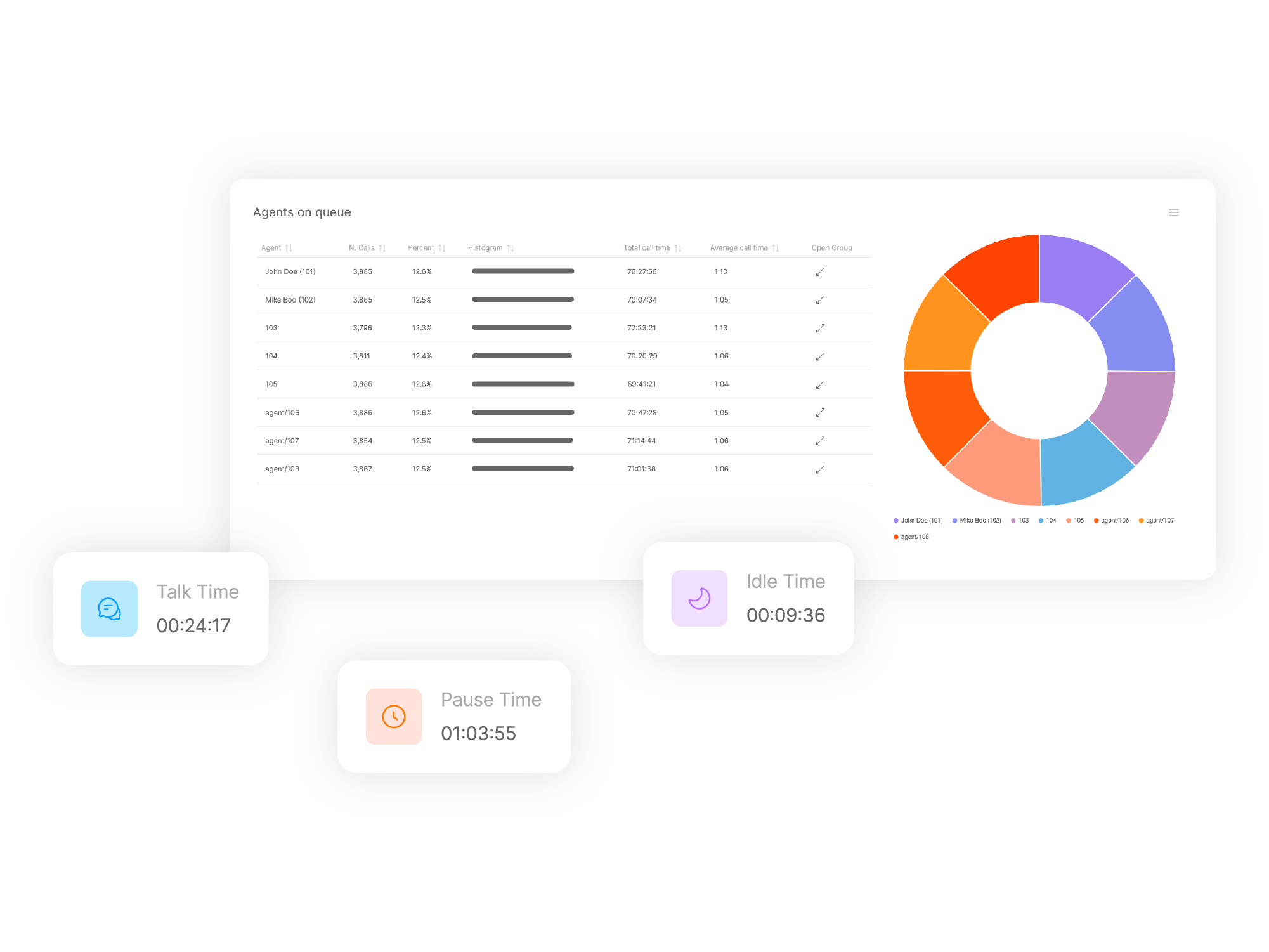
QueueMetrics call-center monitor lets you track agent productivity and working time, payrolls, sales targets, conversion rates, ACD, IVR and Music-on-hold events.
Generate inbound and outbound campaign statistics and monitor realtime processes with customizable wallboards and reports.
Simplify Your Workflow
QueueMetrics simplifies call center agents' daily workflow using a dedicated agent interface with text messages and alarm options. It integrates easily with all modern CRMs such as Vtiger or Salesforce and includes a ready-to-use WebRTC softphone and a complete quality tracking tool.
Measure Everything
Measure and improve all contact center activities with more than 200 different metrics. Manage your contact center processes in realtime with customizable Wallboards, live alarms, whisper, spy and barge monitoring. With more than 15 years of experience, QueueMetrics regularly improves its selection of reports and metrics.
A Safe Choice
Trusted by thousands of companies worldwide for its solidity and scope. Available as QueueMetrics-Live Cloud service or On-Premise software package for FreePBX, Yeastar S PBX, Grandstream UCM, Issabel, FusionPBX, VitalPBX, and many other Asterisk/Freeswitch distros.
Our Client Reviews
“We actually already use the QueueMetrics product to monitor 3 different call centers - and we love it!”
Joshua C. Bailey
Project Resources Group, USA
“I would like to thank Loway for the great support [...] and I am seeing nothing except a great followup and service!”
Haitham Khasawneh
IT Team Leader, Aramex International
“Enjoy your day!! Oh, THANKS FOR THE LATEST RELEASE! MY GUYS LOVE IT!! Will give feedback, if any!! ”
Wynand Clase
Onecell Holdings, South Africa
“Although QM is not open-source, it is extremely affordable and high quality for the price.”
Alex Balashov
Evariste Systems, USA
Hello!
How can we help you?