



Tutorial: Outbound calls from the agent page
In this tutorial we will guide you through the new Outbound Call Tracking feature of QueueMetrics. This feature allows the tracking of outbound calls without resorting to DialPlan additions using the QueueMetrics’ Real-Time page, the Agent page or the customizable Reports.
Read More keyboard_arrow_right
Tutorial: Synchronizer
In this tutorial you will learn how to easy configure queues and agents in QueueMetrics call center manager software, using the Synchronizer module functionality.
Read More keyboard_arrow_right
Tutorial: Parking Calls
In this tutorial you will learn how to track calls, without relying only on a classic queue structure. This is especially useful when calls are routed to specific people or groups during defined events. We will discover how to use the parking lot tracking feature of QueueMetrics’ Uniloader, that can be used to track parked calls “as if” they were normal calls handled on a queue.
Read More keyboard_arrow_rightAd-hoc log analytics in the REPL
It’s one of those days again. You are tasked with finding the root source of an intermittent production problem in a web application. To be able to scale out on demand, QueueMetrics Live, our hosted call-center analytics platform for Asterisk PBXs, is built as a cluster of differet services who talk to each other over HTTP - so chance has it, finding what went wrong and how will begin (and often end) by looking at some web logs. Web logs are produced by a plethora of different systems - not just web servers, but reverse proxies, user-facing web applications, API servers, databases - you name ‘em. And there is one thing they all have in common: they are all slightly different.
Read More keyboard_arrow_right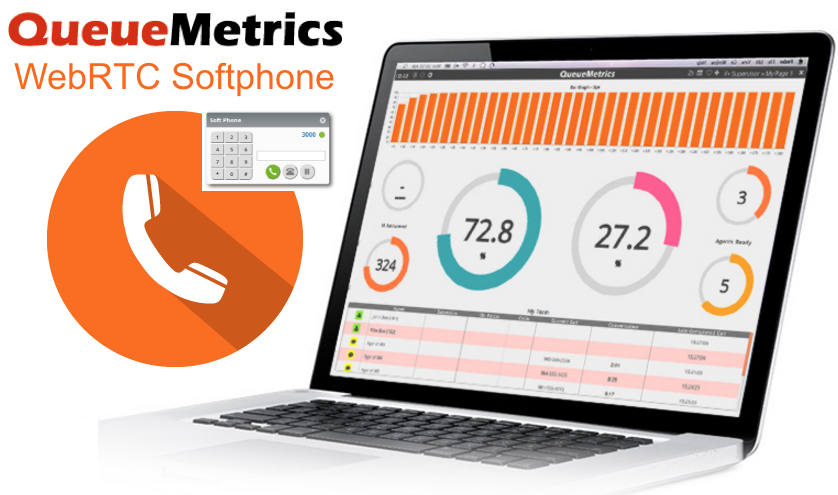
Setting up a WebRTC softphone in QueueMetrics
The following guide details how to set up QueueMetrics’ WebRTC softphone.
For the scope of this tutorial we will be working with the FreePBX distro “FreePBX 13.0.190.19” that runs “Asterisk 13.14.0”.
NOTE: The suggested way to run WebRTC on modern Asterisk systems is to use the PJSIP channel driver.
Unless you have a good reason to do it differently, or run an old version of Asterisk, please see an updated guide here:WebRTC set up using PJSIP

OCO InfoComm Case History: a QueueMetrics Experience
In this new case history, Xin Ye, Managing Director of OCO InfoComm, tells us about his experience using QueueMetrics and his company expertise to implement a complex and stable IVR without incurring the huge cost involved with using legacy systems.
Read More keyboard_arrow_right
Quality Assessment with QueueMetrics: Advanced QA
QueueMetrics call center suite generates analytical and historical reports collecting data from your Asterisk PBX. It covers all the key categories required for an effective call center management: reporting, supervising, agent page and quality assessment.
Read More keyboard_arrow_right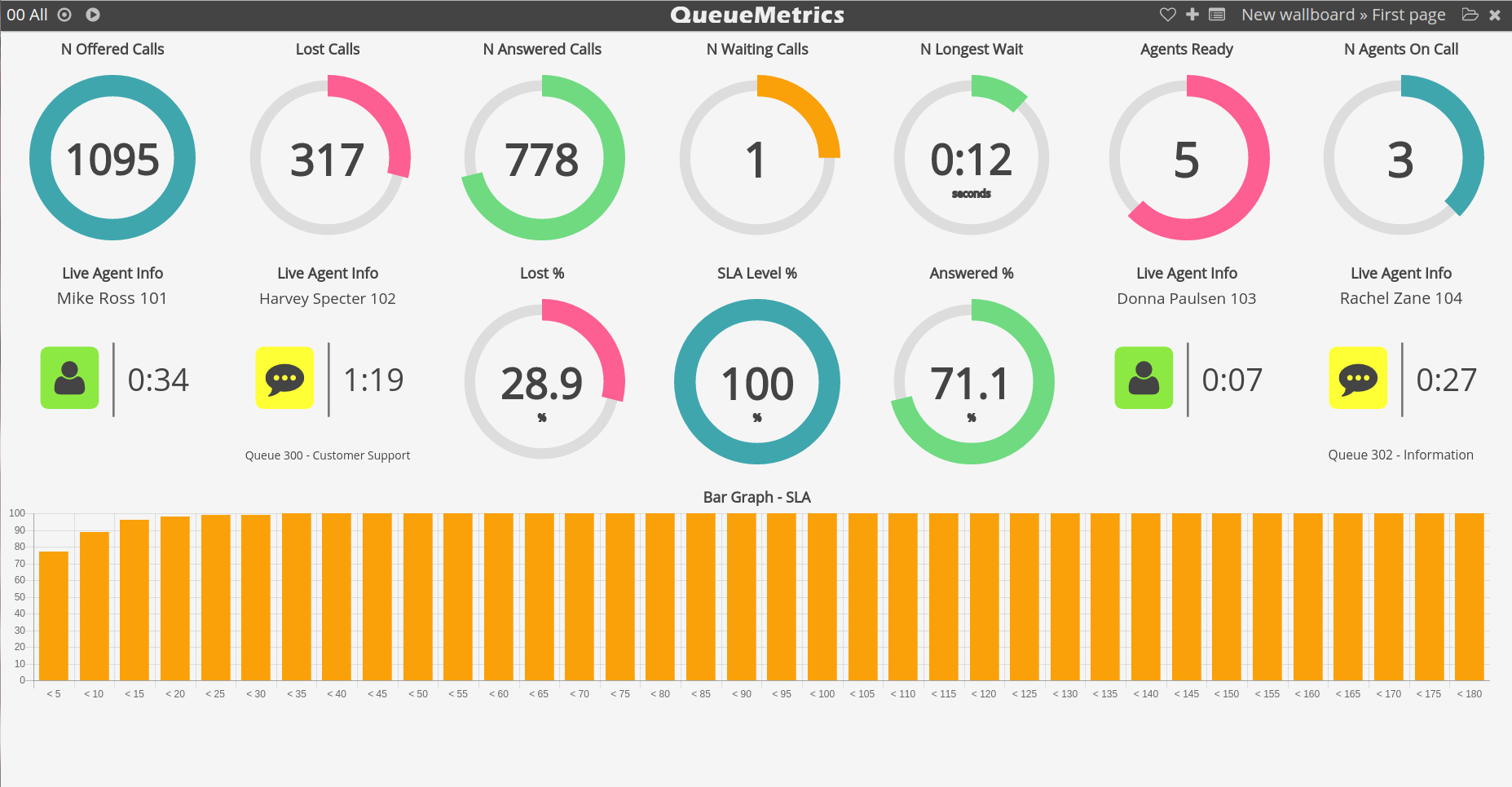
Quality Assessment with QueueMetrics: Getting started with QA
The QueueMetrics call center suite collects Asterisk PBX data and generates analytical reports for over 180 metrics, covering key categories of call center management: reporting, supervising, agent page and quality assessment. This is a hands-on tutorial that shows how to get started with the QueueMetrics Quality Assessment (QA) module.
Read More keyboard_arrow_right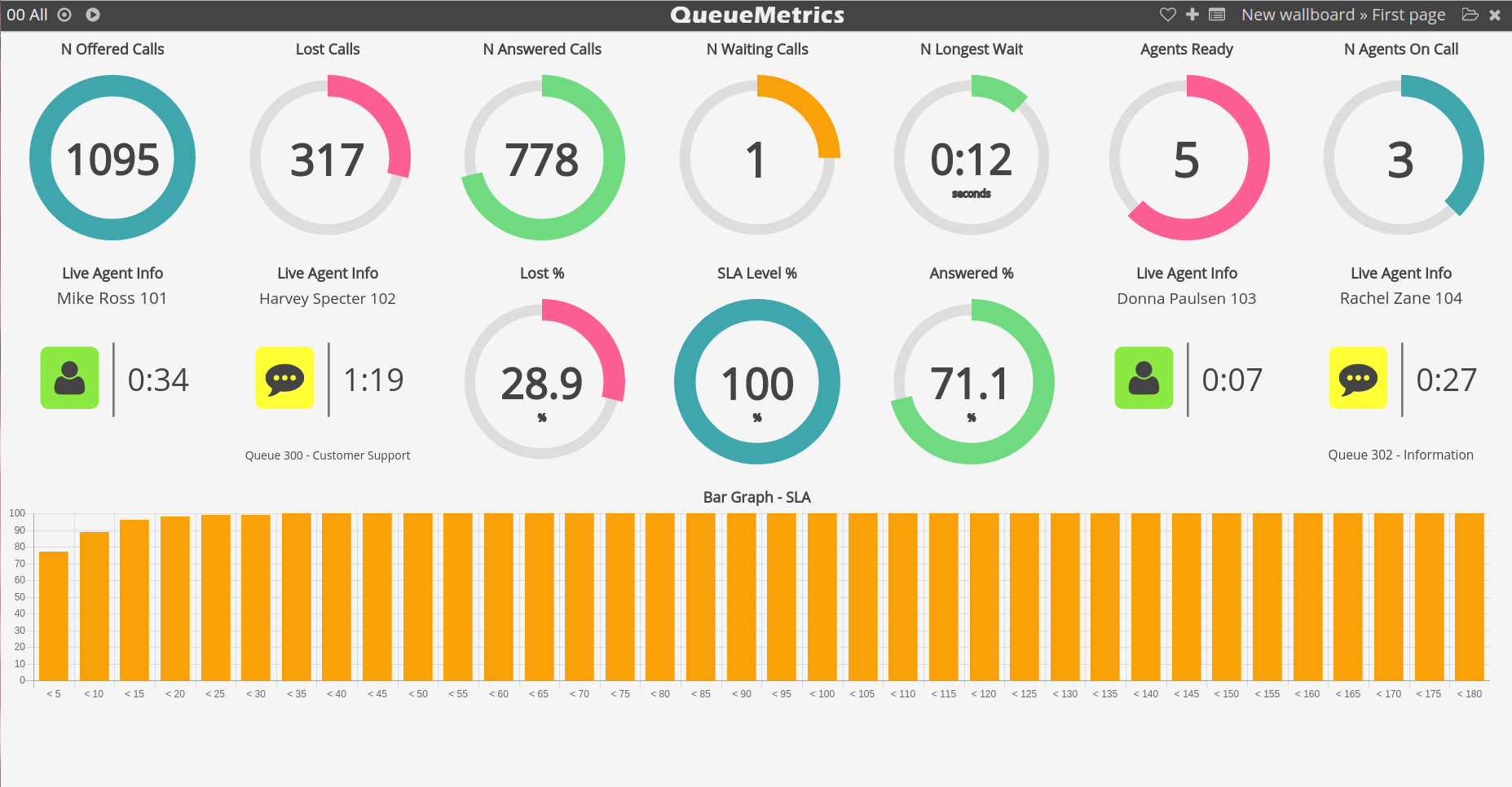
QueueMetrics suite for Asterisk Wallboard Tutorial
Wallboard creation Tutorial In this tutorial we will detail in a step to step fashion, how to create a new QueueMetrics’ Wallboard. Since QueueMetrics 17.06 the new Wallboard functionality is available, which allows the user to create, save and edit multiple wallboards to customize their call center monitoring. We will take a look at some of the wallboard editing functionalities by creating a new wallboard, this is achieved by using some of the available monitoring widgets.
Read More keyboard_arrow_right