



QueueMetrics On Premise Quick Setup on FreePBX
If you are testing QueueMetrics On Premise on your FreePBX platform, read ahead to find out how to quickly set everything up.
Read More keyboard_arrow_right
QueueMetrics-Live Quick Setup on FreePBX
If you are testing QueueMetrics Live on your FreePBX platform, read ahead to find out how to quickly set everything up.
Read More keyboard_arrow_right
Advanced Troubleshooting: Filling a data gap in QueueMetrics
Are you missing data in QueueMetrics for a certain number of days? Do you have a “hole” in your data? In this tutorial we will take a look at how to import missing data in QueueMetrics, through the uniloader service.
Read More keyboard_arrow_right
New Yeastar PBX integration, guide and tutorial portal
A new section on our QueueMetrics Live website has been dedicated to gathering all the Yeastar PBX and QueueMetrics related guides and tutorials.
Read More keyboard_arrow_right
QueueMetrics available for Gentoo Linux
Gentoo Installation QueueMetrics call center suite for Asterisk PBX is now available on the Gentoo Linux Operating System.
Read More keyboard_arrow_right
Music on Hold Tracking
Why do you need Music-on-Hold tracking? One of the questions you may have when analyzing your call-center performance is: how much time did our agents put the caller on-hold? This is an important proxy of the quality of the service you offered, as long (or frequent) time on-hold is a symptom of problems when handling a call.
Read More keyboard_arrow_right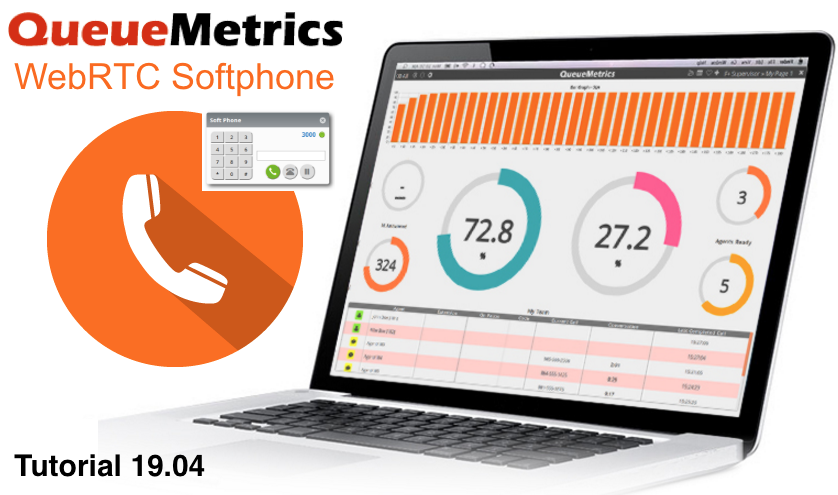
QueueMetrics 19.04 WebRTC Softphone Tutorial
Introduction Since QueueMetrics 19.04, QueueMetrics offers a stable WebRTC softphone based on the JsSIP library. This softphone can be used by agents, through the QueueMetrics Realtime Agent Page, or by supervisors and administrators through the Wallboard Page.
Read More keyboard_arrow_right
Troubleshooting: Accessing call recordings in QueueMetrics
QueueMetrics Call-Center suite for Asterisk QueueMetrics is a highly scalable monitoring and reporting suite that addresses the needs of thousands of contact centers worldwide and offers a broad range of integrated benefits like agent productivity monitoring, target measurement, conversion rates tracking, realtime campaign statistics analysis and an easy to use interface.
Read More keyboard_arrow_right
Troubleshooting: Sending commands to the PBX
Sending commands to the PBX If you are trying to send commands to the PBX through QueueMetrics, but nothing happens, there is probably an issue with the AMI connection between QueueMetrics and the PBX.
Read More keyboard_arrow_right