


QueueMetrics Now Fully Integrated with FusionPBX
We’re excited to announce the release of a long-awaited feature: a complete integration between QueueMetrics and FusionPBX. This comprehensive solution transforms how your customers manage their contact center operations, bringing enterprise-grade capabilities to their teams without disrupting existing workflows.
Read More keyboard_arrow_right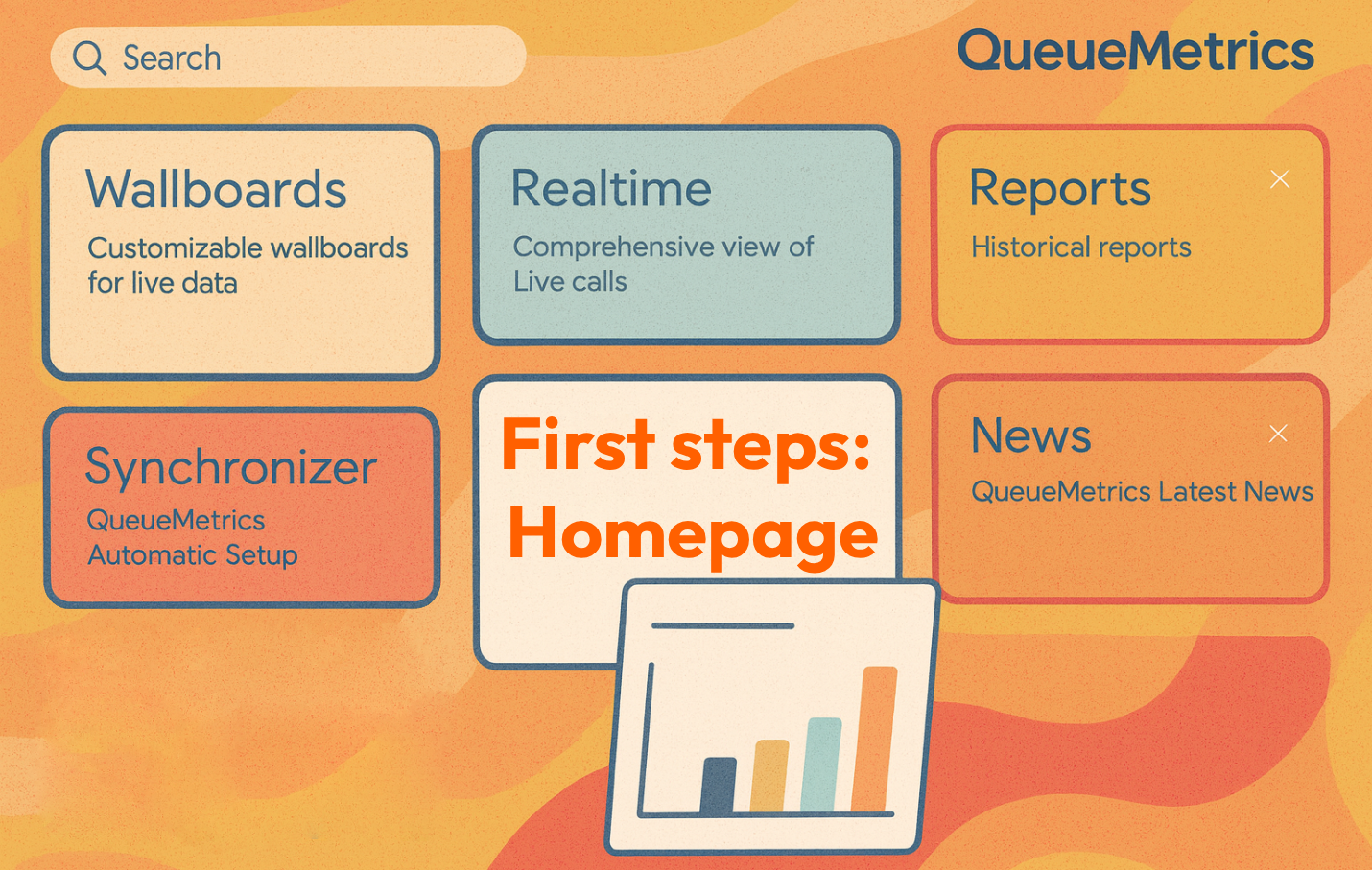
First step with QueueMetrics - Homepage
This guide introduces the User Homepage, and how it differs from the Agent Page. The Agent Page is available by default but is empty; once the appropriate permission keys are assigned, it’s populated with the features the agent needs.
Read More keyboard_arrow_right
First step with QueueMetrics - Report
How can we gain a better understanding of the data from our call center?
Read More keyboard_arrow_right
Smart Call Handling with Known Numbers
The Known Numbers feature allows you to identify and manage predefined phone numbers within the system.
This enables special handling of calls from known numbers, improving interaction management.

Automating Quality Assessment: post-call surveys (updated)
Manually reviewing calls is useful, but, like listening to hold music on loop, it comes at a cost:
- Expensive: human time isn’t cheap.
- Low-yield: many calls are pure “Where’s my parcel?” filler.
- Sampling bias: analysts gravitate toward “interesting” calls, not necessarily representative ones.
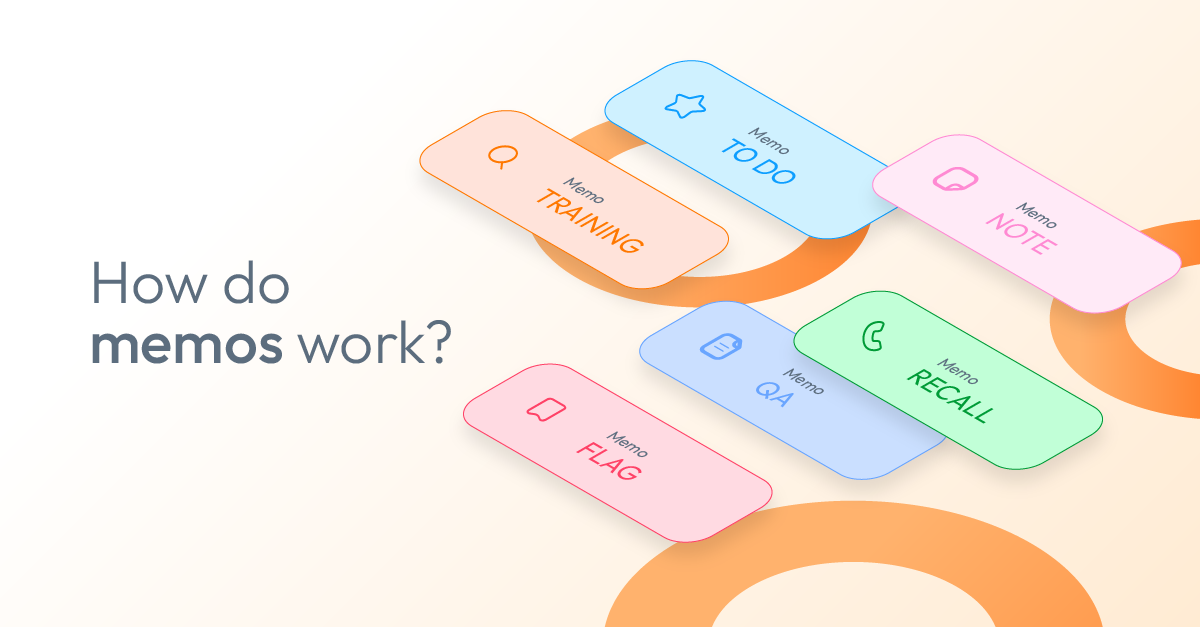
Memos in QueueMetrics
How can we keep better track of what happens during customer calls? If your call center struggles with lost context, missed follow-ups, or unclear task assignments, the Memo feature in QueueMetrics can help.
Read More keyboard_arrow_right
Docker for QueueMetrics
How can Docker simplify managing multiple QueueMetrics installations? Docker makes installing, running, and upgrading QueueMetrics easy by packaging everything you need into a single container, reducing complexity and downtime.
Read More keyboard_arrow_right
QueueMetrics detailed logs for better diagnosis
Why increase the logging level in QueueMetrics?
QueueMetrics is a powerful analytics platform for call centers, offering real-time and historical insights into your queue and tenant activity.
In certain circumstances—such as debugging complex issues or testing new configurations—you may need more detailed data from the application logs.
This guide walks you through raising the QueueMetrics logging level, capturing the necessary log output, and then reverting to normal operation.